Open source
The source is public under the MIT license. Explore how the platform works or contribute to its development.
Source code on GitHubYour seating plan. Your ticket design.
Card payments with Stripe.
From the first table to the last guest
01 / Room for your evening
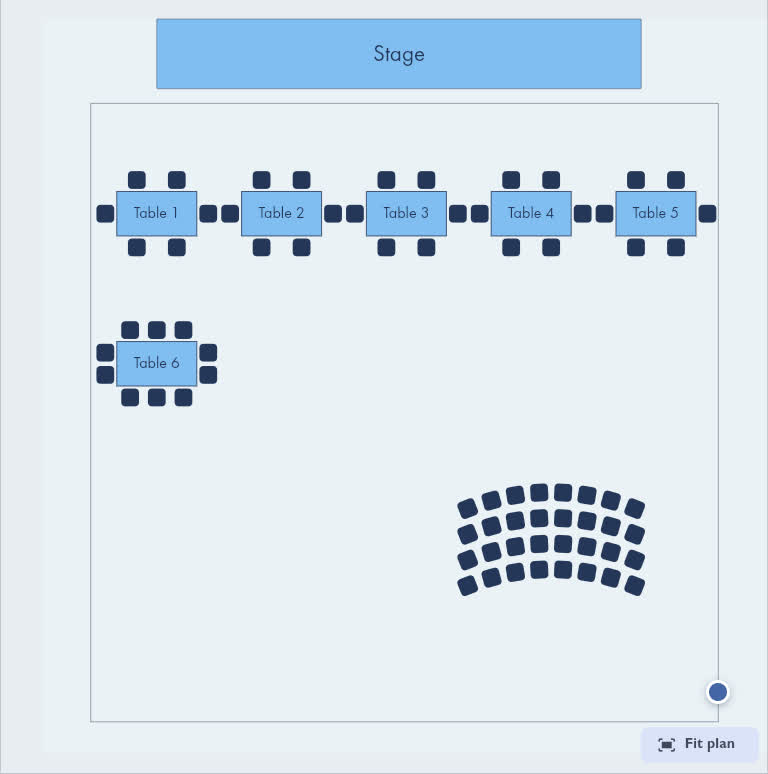
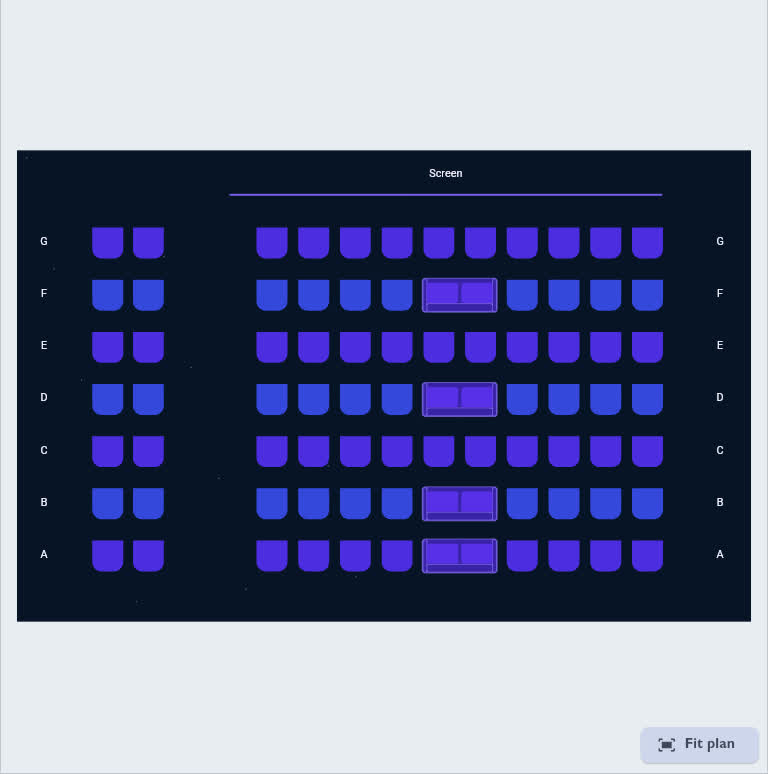
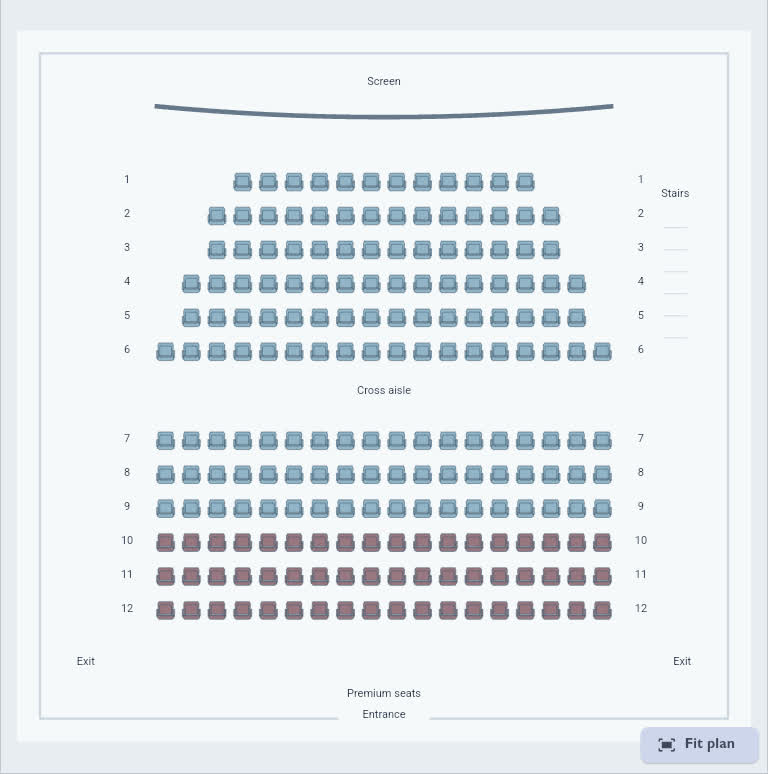
Tables, chairs and a dance floor. Build a venue your guests can navigate.
Drag elements into the hall or start with a template.
The video could not be played. Add a table beside the finished row, align it and adjust its chairs. Open video
Customize existing templates in the shared editor.
02 / Everything you need to know
Add questions, offer dinner choices and choose required details.
Collect names, email addresses, phone numbers and custom answers.
The video could not be played. Add priced dinner choices and a note question. Open video
03 / A first impression
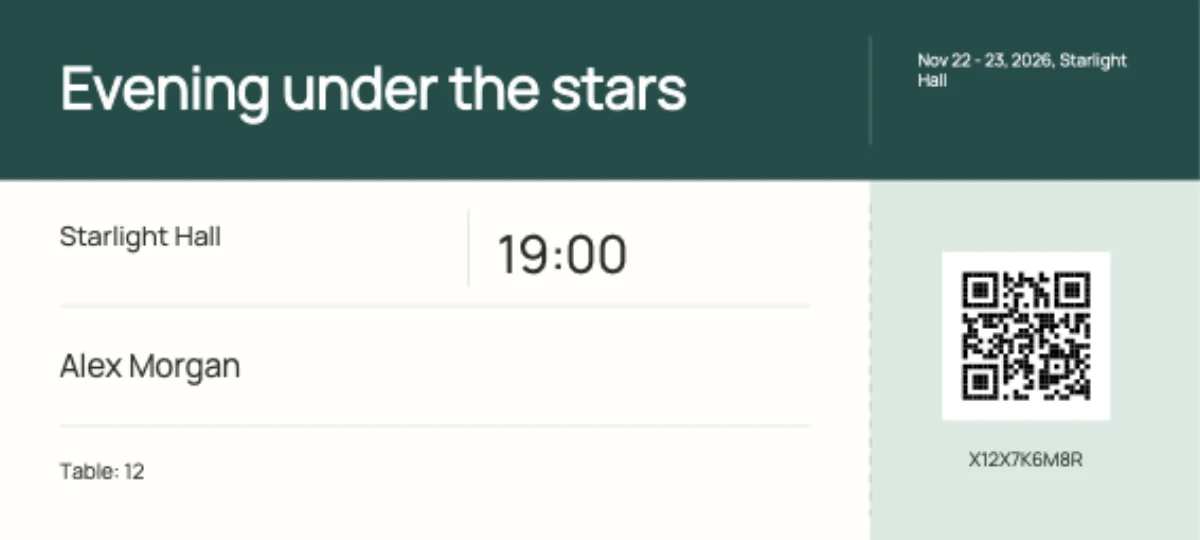
Move text and the admission QR code directly in the design.
Each ticket includes guest details and a QR code for admission.
The video could not be played. Move text and the admission QR code in the ticket editor. Open video
Customize existing templates in the shared editor.







04 / Together at one table
Zoom in, choose seats together and see the total price.
Individual seats or a whole table, including on a phone.
The video could not be played. Choose an available seat and continue to the English order form. Open video
05 / A smooth welcome
Scan the admission QR code and confirm entry.
Card-paid tickets are checked online.
The video could not be played. Scan the admission QR code and confirm entry online. Open video
06 / Less paperwork
Manage orders, payments and changes in one place.
Tools to keep your event under control.
The video could not be played. Review sales, filter orders, edit a note and export the ticket table. Open video
Card payments with Stripe
Guests pay by card through Stripe Checkout. The payment goes to the event organizer’s connected Stripe account.
Connect and verify your Stripe account before opening card sales.
Want to offer bank transfers too? Contact us.
StripeProvider processing fees apply
Contact us about service pricing. Stripe fees depend on your account.
Prepare. Sell. Applause.
Event details, forms and tickets in one place. Arrange the space to match your venue.
Share your link. Guests fill in the form and choose their tickets.
Keep track of orders. Check tickets at the door using their admission QR code.
Pricing and support
Book a 30-minute walkthrough of the service and discuss setting up tickets for your event.
Online via Google Meet. We will also discuss service pricing.
You set prices, seat availability and sales terms. Manage orders, payments and tickets in one place.
More to know
Yes. Create event opens registration, or event management if you are already signed in. Creating an account does not place a ticket order.
Yes. For events with a seating plan, guests choose seats in the venue and see availability and prices as they select.
Your form’s content and appearance, ticket template and seating plan. The examples above show the controls and their results.
Guests pay by card through Stripe Checkout after you connect and verify your account. You can explicitly enable bank transfers as an additional option. Order information and tickets are sent by email.
Use a phone with a camera to scan the admission QR code and confirm entry. Card-paid tickets require an online check. A warning appears for tickets already used.
Write to info@festapp.net or book a demo. We will discuss your event and a service offer.